If you want to change the password you use to log in to myBenelli, go to Settings > Login details.
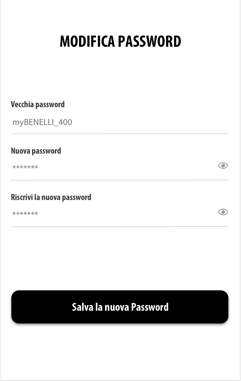
Enter the old password you want to replace and the new password. Remember to tap Save new password once you've finished.
WARNING: If you first signed up using external services such as Facebook, Google or Apple, your account won't have a password associated with it. You can always create one by tapping Forgot your password? on the login screen: see Login and sign-up - FAQ, section “I've forgotten my password”.