With myBenelli you can always keep an eye on your bike's location.
How do I view my bike's location?
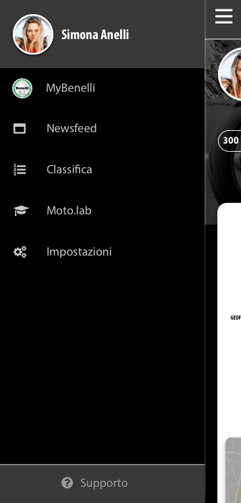
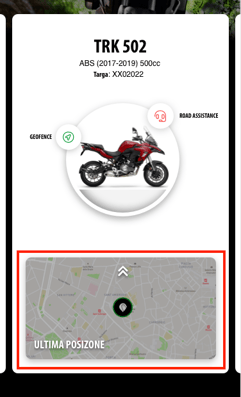
Access your bike's location directly from the myBenelli Home screen by tapping the last position map.
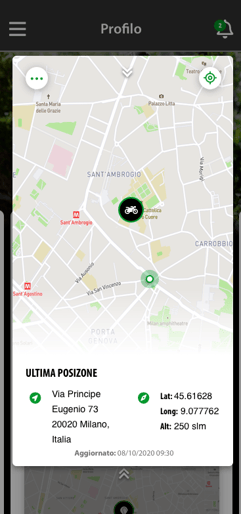
Go to the "Vehicle" section and view your bike's location on the last position map.
If it isn't up to date, tap Request data update. The update may not be immediate: the B-Box goes into standby 5 minutes after the vehicle is switched off, so it first has to wake up. The last position shows the date and time of the last recorded movement, not of your request.