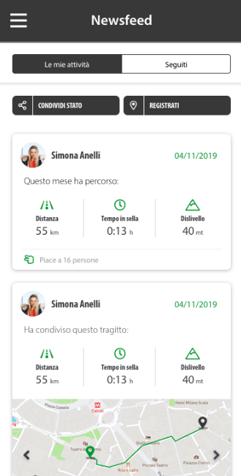
The Newsfeed is the myBenelli noticeboard: it's where you'll find what you share and what the bikers and Motoclubs you follow share.
How to open it
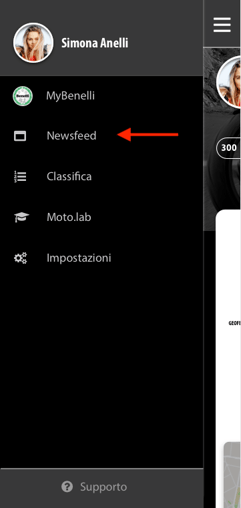
From the Home screen, tap the menu icon at the top left, then Newsfeed. The My activities tab has the history of your posts, and the Following tab shows what the profiles you follow are doing.
Sharing a status
From the Newsfeed, tap SHARE STATUS and choose what you're doing from the list.
Checking in at a place
From the Newsfeed, tap CHECK IN and select the location.
You always decide what to share with the community.
Want to post a ride you've done? See Trips: viewing, sharing and deleting a ride.